
In-App Ads
Show banners, interstitials and rewarded video inside your own iOS and Android apps. Your app uses the free, open-source Prebid Mobile SDK, and GoAdserver answers it as its ad server: every ad unit is filled from your own campaigns and your RTB buyers, in one auction.
How in-app ads work
An app has no web address, so GoAdserver recognises it by its bundle id, the package name on Android or the bundle id on iOS. You register the app once, next to your websites, and from then on it behaves like any site in your network: its own ad zones, its own statistics, the same filters and reports.
- Each ad unit in the app gets its own ad zone, created on the first request.
- Interstitial and rewarded units are kept apart, so you see what each placement earns.
- Your campaigns and your RTB buyers compete for every impression.
Banners, interstitials and rewarded video
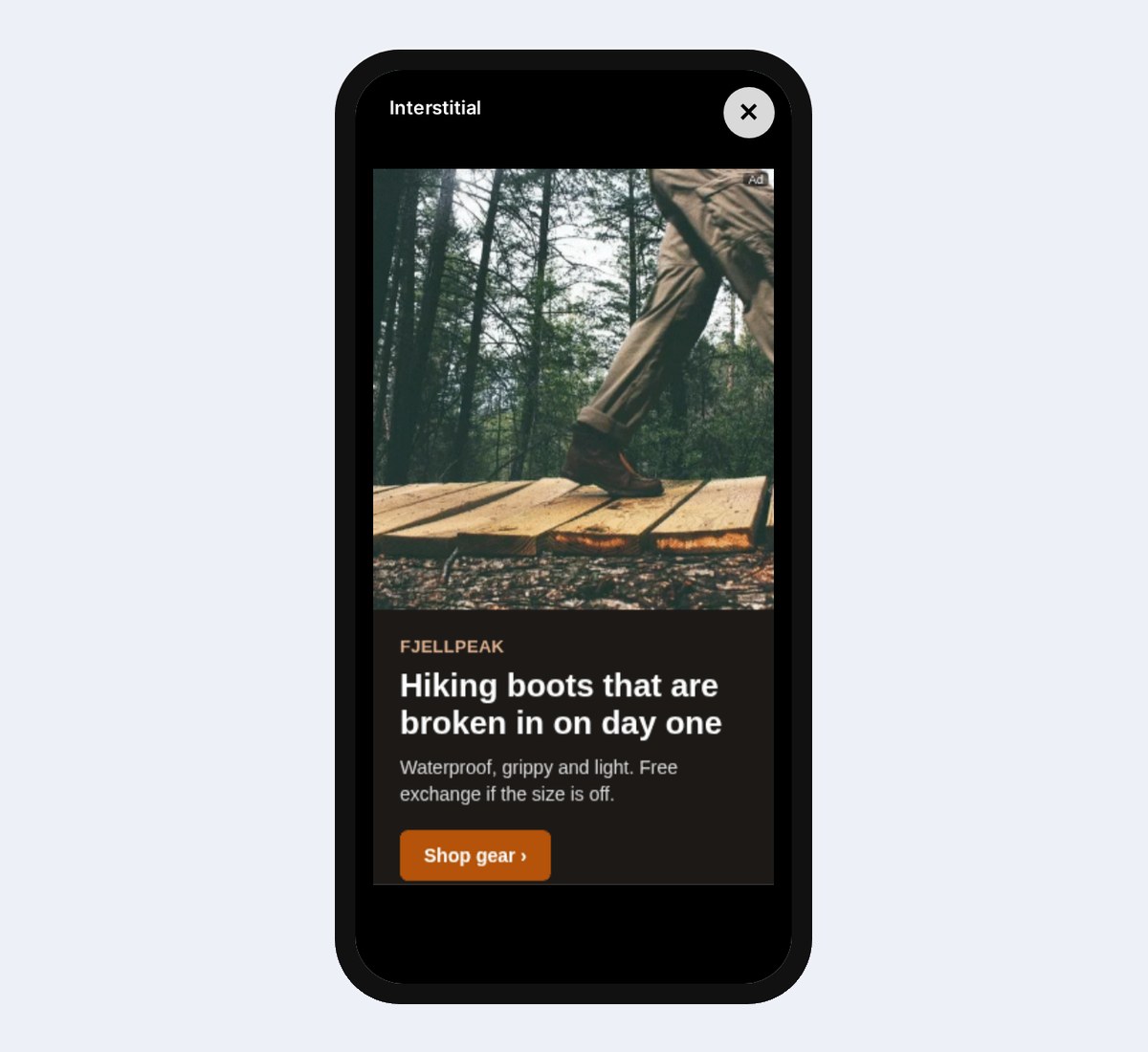
Banners sit in the app’s layout, for example a 320×50 strip at the bottom of a screen. Interstitials fill the screen at a natural break, such as the end of a level. Rewarded video is watched by choice, for an extra life or a few coins: it cannot be skipped, and your app grants the reward when the SDK reports the video finished.
Banners open their links through the SDK’s MRAID bridge, so a tap takes the user to the advertiser the way the app expects, and every tap is counted as a click.
Set up in three steps
- Register the app under Websites: tick This is a mobile app and enter its bundle id and store link.
- Create a header-bidding campaign with one slot per ad unit. The slot ids become the ad units’ config ids.
- Paste the setup from the campaign’s Prebid Mobile tab into your iOS (Swift) or Android (Kotlin) app, and publish the app-ads.txt line on your developer website.
No proprietary SDK, nothing to maintain on your side beyond Prebid Mobile itself.
Privacy built in
The device’s advertising id is passed to buyers only when the user allows tracking. Under Limit Ad Tracking, when the iOS tracking prompt was declined, or for apps directed at children, it is left out, and buyers still receive a clean, privacy-safe request.
Sell app traffic over RTB too
Exchanges that send app inventory over OpenRTB reach the same campaigns: the app is recognised by its bundle, and buyers you resell to receive a proper app request with the bundle they check against app-ads.txt. Advertisers can include or exclude individual apps in their campaigns, and tracking links can carry the app and the advertising id with the {app_bundle} and {ifa} macros.
See it live
The in-app demo sends a real app request from your browser to our ad server and draws the winning ad in a phone, with the MRAID call a tap makes. It also shows a captured exchange from an SSP and the iOS and Android setup.
Frequently asked questions
Do I need a GoAdserver SDK in my app?
No. Your app uses the free, open-source Prebid Mobile SDK, and GoAdserver answers it as its Prebid Server. The campaign’s Prebid Mobile tab gives you the Swift and Kotlin setup with your account id and ad units.
Which ad units can an app show?
Banners, interstitials, rewarded video and native ads, where native gives your app the title, text and image to lay out itself. Each ad unit gets its own ad zone and its own statistics.
Why does nothing serve in my app?
Usually the bundle id under Websites differs from what the app sends. It must match exactly: the package name on Android, the bundle id or numeric App Store id on iOS. Test with a debug build first.
Documentation
Set it up step by step in the GoAdserver documentation: In-app ads (Prebid Mobile) and How to add a website.