
Digital Screen Ads (DOOH)
Sell the airtime of screens in shops, stations, gyms and waiting rooms from the same ad server that runs your websites. A screen pulls a playlist of ads, plays it and confirms every ad it has really shown, and each play is billed for the people in front of the screen.
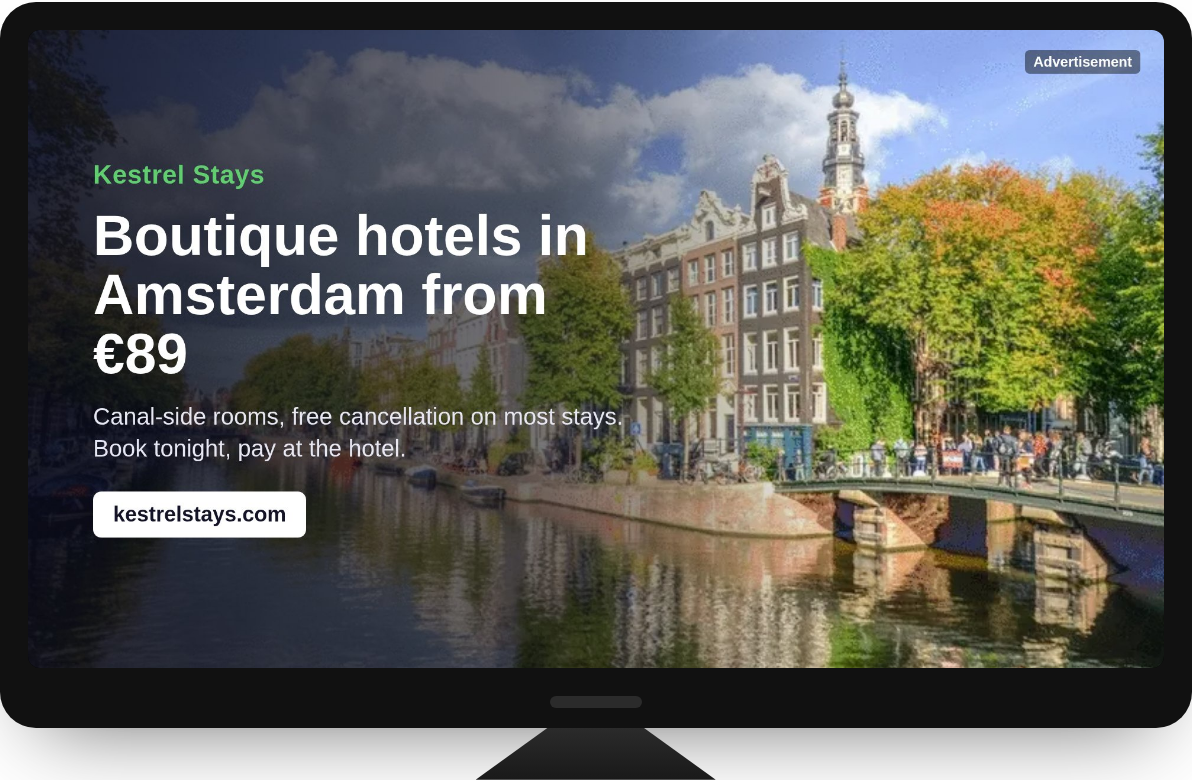
How a screen gets its ads
Each screen is an ad zone in your panel. Its player asks the ad server for a playlist with the screen’s own key, shows each ad for a set number of seconds (a video until it ends) and then calls the ad’s proof of play. Only confirmed plays count, each one once. When the list has played out, the player asks for the next one.
Any screen can play
A browser in full-screen mode is enough: open the zone’s ready-made web player on the screen and it runs on its own. Signage software can take the same playlist as JSON or as VAST 4, with the proof of play as the impression.
Billed per audience
One play reaches more than one person. You set how many people see a play on each screen, and an advertiser pays their CPM price times that audience: at a €2.40 CPM, a play on a screen with 60 viewers costs €0.144. In your statistics every play is one impression, with the audience already in its cost, and publisher revenue shares follow the same number.
Targeting that fits the street
- Venue types: retail, malls, transit, airports, gyms, offices, hotels and more.
- A radius around a place: only screens within so many kilometres of a point.
- Day parting: the hours and days a campaign runs.
- Screens only: a campaign for screens never shows up on a website, and website banners never land on a screen.
Opening hours per screen
Every screen has its own on-air hours in its own time zone. Outside them it gets no ads and nothing is billed, so a shop window that goes dark at night does not spend anyone’s budget.
Set up a screen in minutes
- Create an ad zone of type Screens in the screen’s size, for example 1920×1080.
- Fill in the venue type, the audience per play, the location and the opening hours.
- Open the player link on the screen, or give the playlist link to your signage software.
Advertisers switch on Run on digital screens in a banner campaign and choose venue types and a radius. Everything is also available through the API.
See it live
The digital screens demo runs a station hall in Amsterdam and a gym in Rotterdam: watch each pull its playlist, play it and confirm every play, with the audience and the cost of each play next to it.