
Messenger and Bot Ads
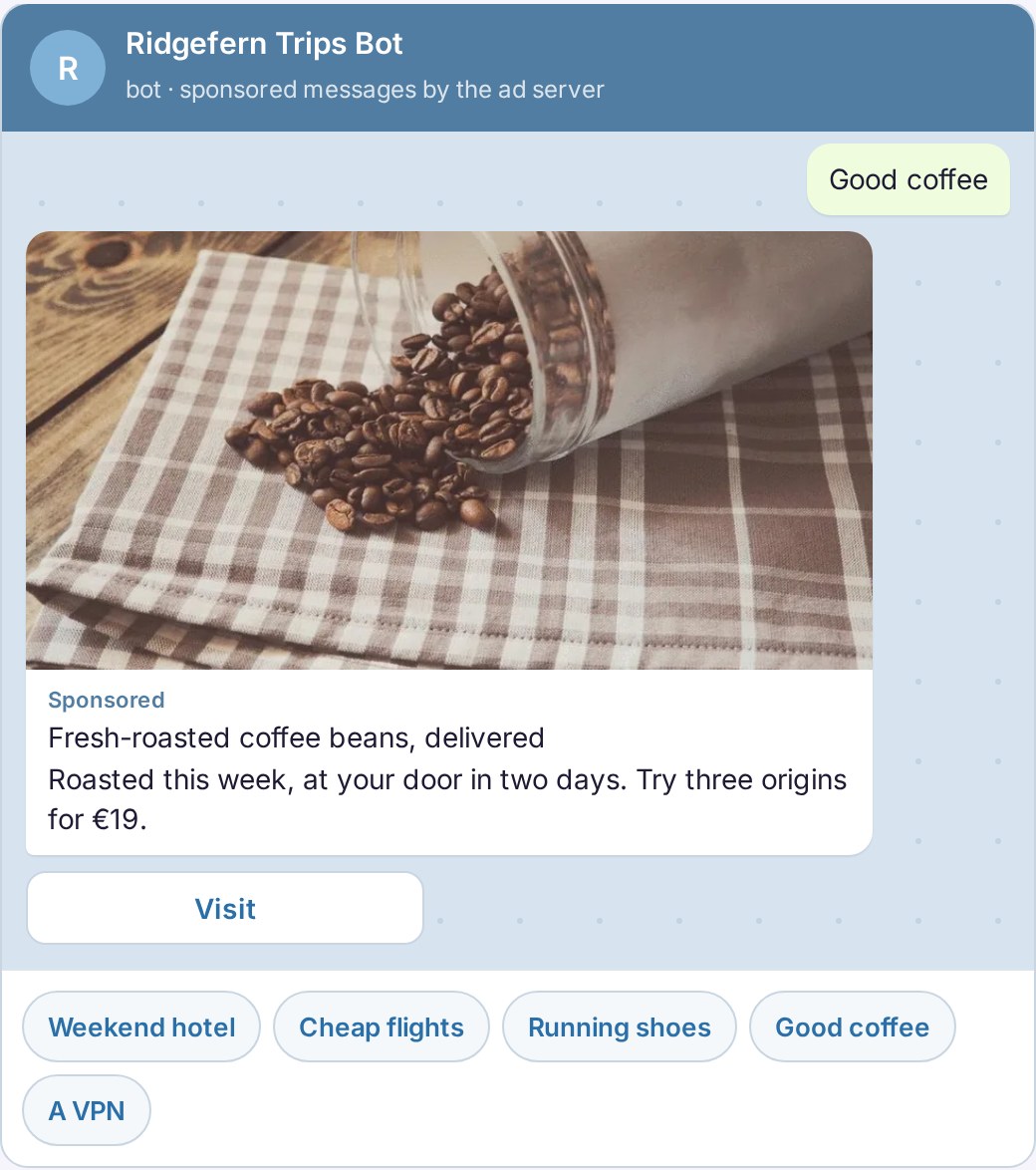
Bot ads let a Telegram, Discord or WhatsApp bot post sponsored messages. The bot asks the ad server for an ad and gets a ready-to-post message back: text, an image, a button and a tracked link, matched to the topic of the chat.
See bot ads live in a demo chat.
How bot ads work
The bot sends one request with the chat’s id and, optionally, the topic or the last message. The ad server matches the topic against campaign keywords and answers with a sponsored message, labelled as such. The bot posts it with its button and reports it as sent; that is the impression. The button goes through the ad server’s click link.
- Server to server: one HTTP request, a JSON answer, no SDK.
- Ready to post: text, image, button text and link, with a disclosure label.
- Per-chat limit: the zone caps how many ads a chat gets per hour.
Example code included
Each bot zone comes with example code for python-telegram-bot and discord.js, so a bot owner can post the first sponsored message in minutes. The answer works for any messenger that can send text with a link button.
For bot owners and networks
Bot and channel owners earn from their audience without selling ads by hand. On your own ad platform, bot ads are one more zone type for your publishers, serving the native campaigns your advertisers already run, with the same targeting and reports. Zone settings and code are in the API too.
More ad formats
Bot ads are one of many formats you can run from one platform. Browse them all on the ad formats page, or try each one on the live demo pages.