
A shop adds its product feed to a banner campaign once and picks a layout. Every product in stock becomes a banner in that size, and the banners follow the feed: new products are added, prices updated, sold-out products paused.
With retargeting on, a visitor who looked at products in the shop sees banners of exactly those products.
These are live zones on a demo account. Fjellpeak and its products are made up; the photos are CC0 stock.
Every banner below is a real ad served live. None was designed by hand: Fjellpeak's product feed is attached to a banner campaign with a layout and a banner size, and the sync draws every product in stock into a banner of that size. Reload the page to see other products rotate in. Click one: it goes to the product page through the ad server, counted like any banner click.
Image, name, price and the button, in a column on squares and tall sizes and in a row on wide strips. Campaign #454839.
The product photo fills the banner; name, price and button sit on a dark band along the bottom. Campaign #454840.
Mostly text: name, price and the button, with a small photo where there is room. Campaign #454841.
<!-- once per page, in <head> -->
<script src="https://g2.gsrv.dev/ctrl/19460.js"></script>
<!-- where it goes -->
<div id="id_12512843"></div>
<script>
goCtrl.add({"display":"id_12512843","sid":12512843,"plugin":"banner"});
</script>The shop's product pages: each carries the shop's retargeting pixel with the product's id (rtpixel.go?id=141&pid=FP-TENT-2). Next to them (below, on a phone), a banner zone on another site, served by a feed with retargeting switched on. View a product or two, and the banner switches to those products. A visitor who viewed nothing still sees the whole catalogue.
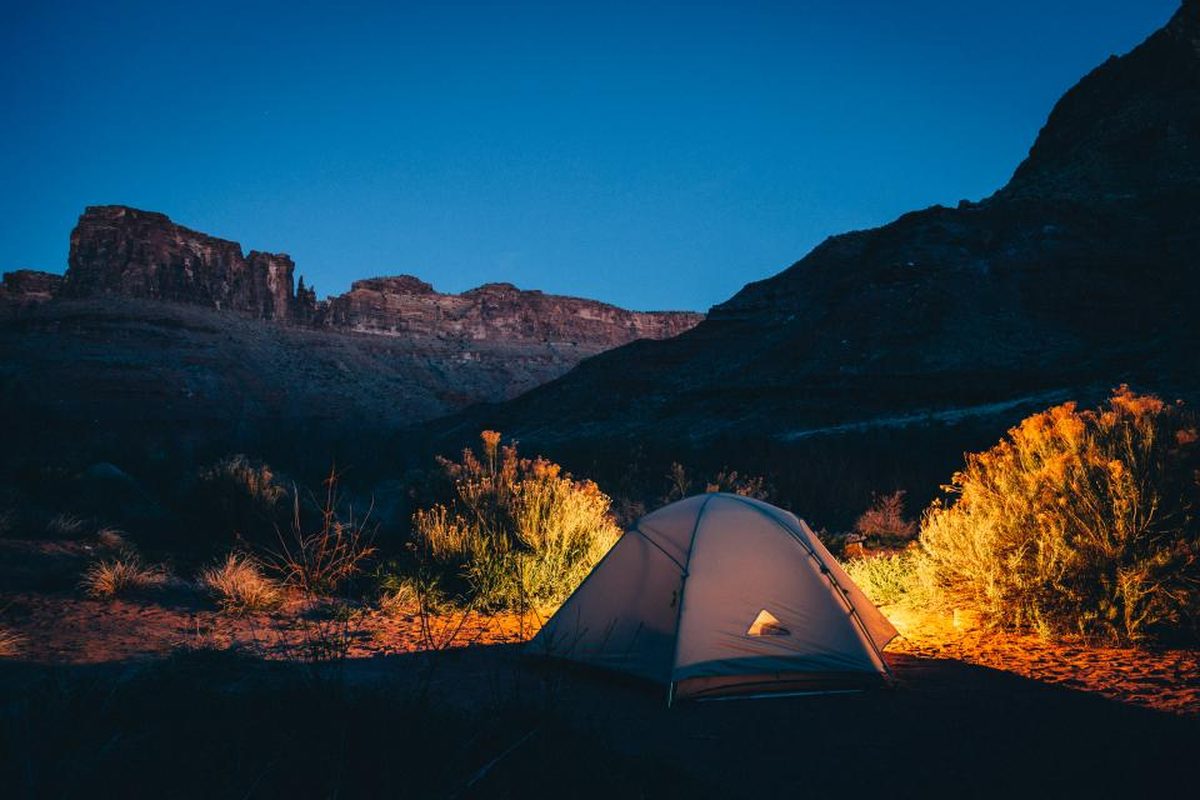 Ridgeline 2 backpacking tent249.00 EUR
 Summit 38 L hiking pack139.00 EUR
 Trailhead waterproof hiking boots179.00 EUR
 Stormline 3-layer rain jacket179.00 EUR
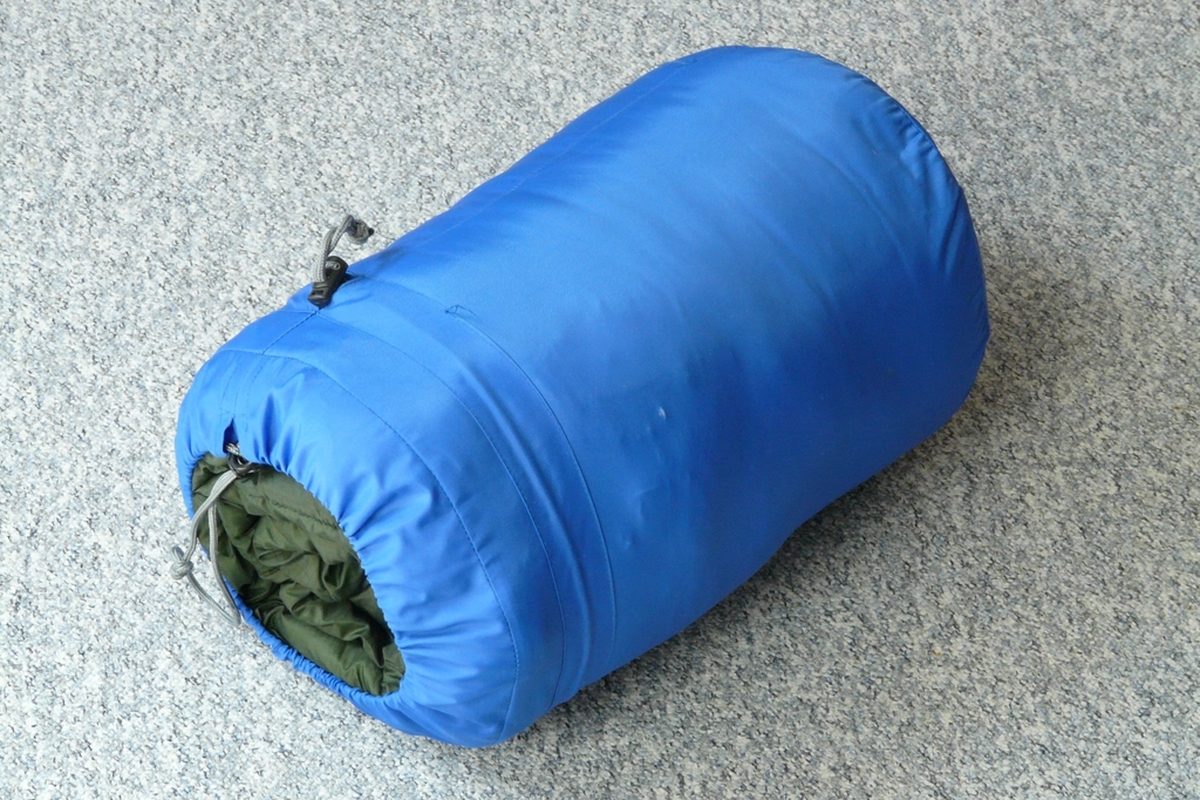 Arctic down sleeping bag, -5 °C259.00 EUR
 Carbon trekking poles (pair)99.00 EUR
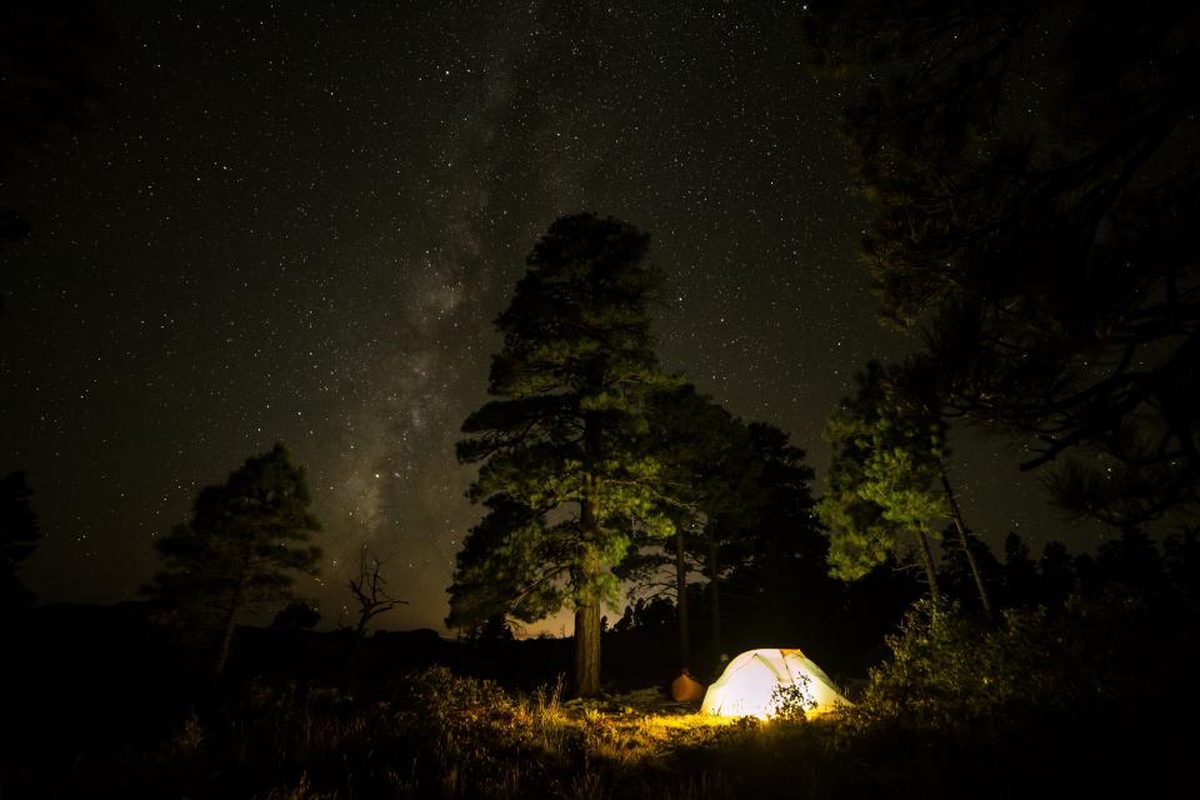 Glowline camp lantern49.00 EUR
 Ember camp cook pot45.00 EUR
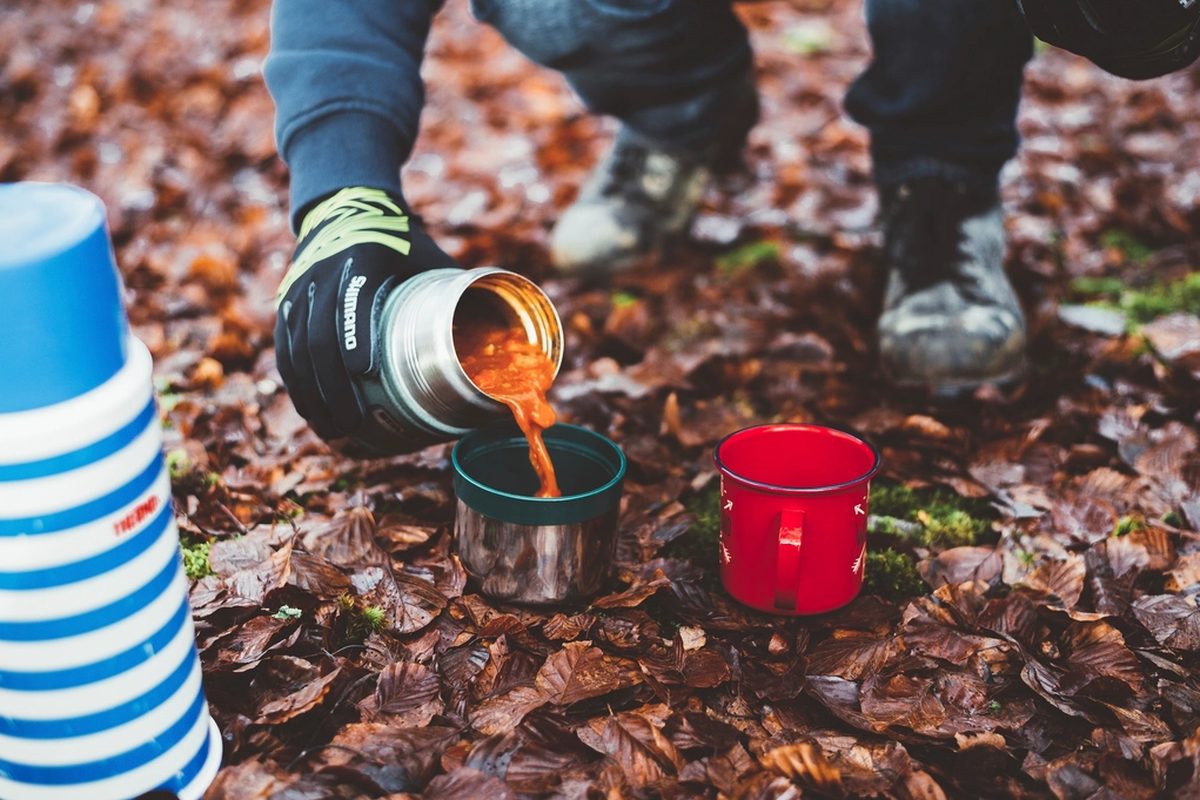 Glacier insulated bottle 750 ml34.00 EUR
 Enamel camp mug set (2)24.00 EUR
 Merino rib beanie29.00 EUR
Before you view anything, the banner rotates through all products of the feed.
Starting over: the ad server knows you by your browser, IP address and language, and keeps the products you viewed for 30 days. Your views here only affect this demo. To see the banner as a new visitor, open the page in another browser.
<!-- once per page, in <head> -->
<script src="https://g2.gsrv.dev/ctrl/19460.js"></script>
<!-- where it goes -->
<div id="id_12512852"></div>
<script>
goCtrl.add({"display":"id_12512852","sid":12512852,"plugin":"banner"});
</script>Create a banner campaign with the budget and targeting the products should share. In Feeds → Product catalogues, add the shop's Google Merchant or CSV feed, pick the campaign, a layout (card, overlay, minimal or your own HTML), a banner size, the button text and colour. The form shows a live preview. For another size, add the same feed again with that size. For retargeting, switch it on and put the product id on the retargeting pixel of your product pages.
curl -X POST https://<your panel>/api/v1/product-feeds \
  -H "Authorization: Bearer $API_KEY" \
  -d '{"campaign_id": 454839, "url": "https://www.goadserver.com/demo/product-feeds/feed.xml",
       "template": "card", "bansizeid": 71, "cta": "Shop now", "accent": "#2f6b3a", "retarget": true}'
<!-- on every product page of the shop --> <img src="https://g2.gsrv.dev/rtpixel.go?id=141&pid=SKU-1001" width="1" height="1" alt="">
Your own template: placeholders are filled per product and HTML-escaped; link to {click_url} so the click is counted.
<a href="{click_url}" style="display:block;font:14px sans-serif">
  <img src="{{image}}" width="300" height="160" alt="">
  <b>{{title}}</b> {{price}} <span style="background:{{accent}}">{{cta}}</span>
</a>
About the format: Dynamic banners · The same feed as native ads: product feeds demo · All formats: Ad formats · More demos: all live demos
Every format on this page is part of the GoAdserver ad server. Talk to us about your platform.
Contact us